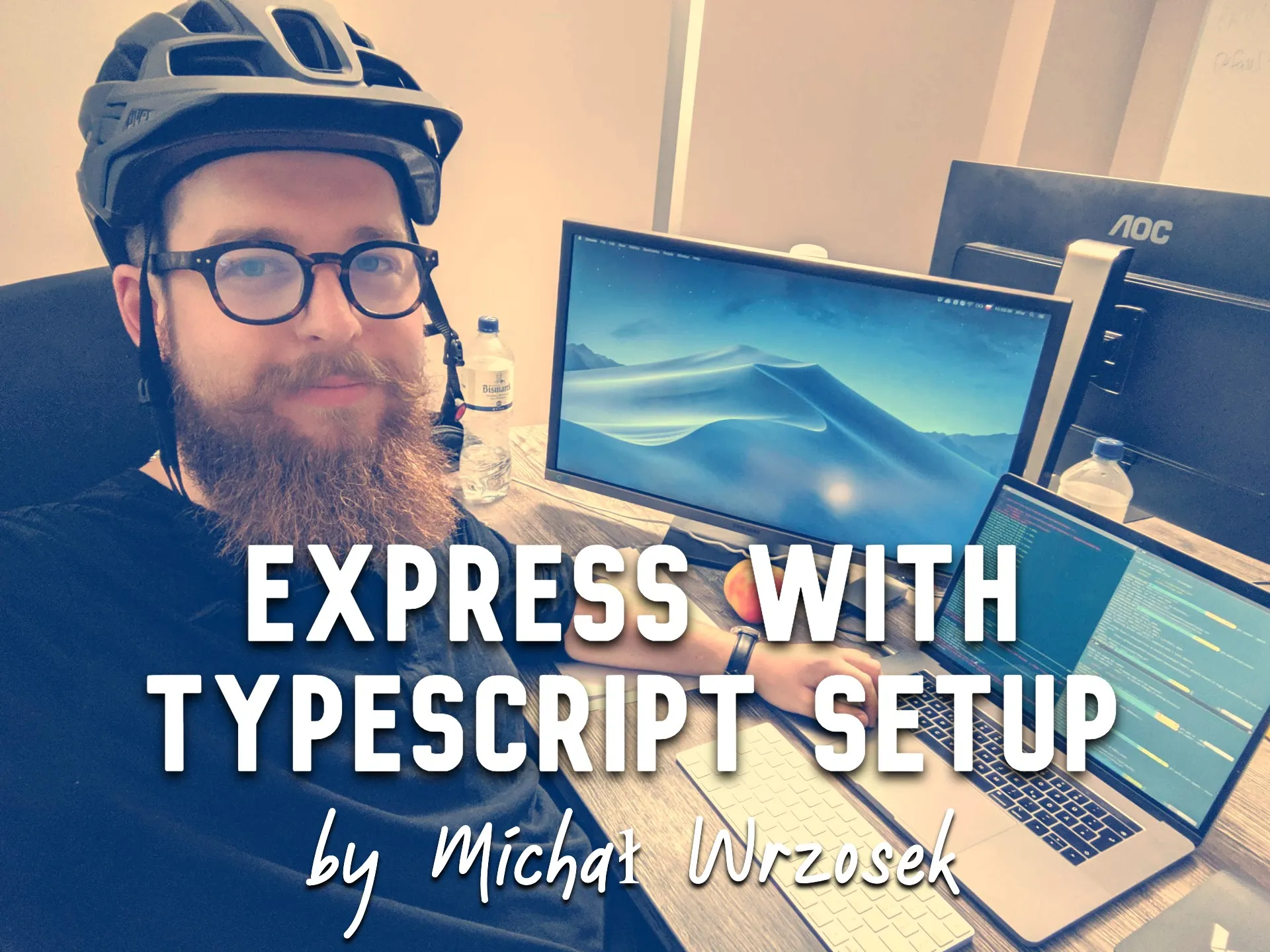
That's me at Valassis office. I commute everyday to the office on a bicycle and I recently bought this awesome helmet that I'm proud of :D Just to clarify, I'm not usually working in a helmet on, tough.
Express with TypeScript setup
20 Sep 2019
I will walk you through setting up basic Express server with TypeScript. By “basic” I mean:
- eslint + prettier config
- testing setup (mocha, chai, supertest)
- alias for local dependencies, so that you can import modules from root
- watch mode for faster development
- TypeScript setup
- VSCode workspace settings
I assume you have node and typescript globally installed.
Let's create our directory:
mkdir express-boilerplate && cd express-boilerplate
Set up git:
git init
Set up npm:
npm init -y
Add ./.gitignore file:
logs
*.log
npm-debug.log*
pids
*.pid
*.seed
*.pid.lock
node_modules
*.tsbuildinfo
.env
build
Add all dependencies we will need:
Dependencies:
- body-parser
- express
npm i --save body-parser express
Dev dependencies:
- @types/body-parser
- @types/express
- @typescript-eslint/eslint-plugin
- @typescript-eslint/parser
- chai, @types/chai
- dotenv, @types/dotenv
- eslint
- eslint-config-prettier
- eslint-plugin-prettier
- mocha, @types/mocha
- nodemon
- prettier
- supertest, @types/supertest
- ts-node
- tsconfig-paths
- typescript
npm i -save-dev @types/body-parser @types/chai @types/dotenv @types/express @types/mocha @types/supertest @typescript-eslint/eslint-plugin @typescript-eslint/parser chai dotenv eslint eslint-config-prettier eslint-plugin-prettier mocha nodemon prettier supertest ts-node tsconfig-paths typescript
Add VSCode settings in ./.vscode/settings.json file:
{
  "editor.tabSize": 2,
  "editor.detectIndentation": false,
  "editor.renderWhitespace": "boundary",
  "files.exclude": {
    "build": true
  },
  "eslint.autoFixOnSave": true,
  "eslint.validate": [
    "javascript",
    "javascriptreact",
    { "language": "typescript", "autoFix": true },
    { "language": "typescriptreact", "autoFix": true }
  ]
}
Make sure you have these extensions in your VSCode installed:
- ESLint (dbaeumer.vscode-eslint)
- Prettier — Code formatter (esbenp.prettier-vscode)
Add ./.eslintrc.js config file:
module.exports = {
  parser: "@typescript-eslint/parser",
  extends: [
    "plugin:@typescript-eslint/recommended",
    "prettier/@typescript-eslint",
    "plugin:prettier/recommended",
  ],
  parserOptions: {
    ecmaVersion: 2018,
    sourceType: "module",
  },
  rules: {
    "@typescript-eslint/explicit-function-return-type": 0,
  },
};
Add ./.prettierrc.js config file (use settings you prefer):
module.exports = {
  semi: true,
  trailingComma: "all",
  singleQuote: true,
  printWidth: 120,
  tabWidth: 2,
};
Add ./tsconfig.json file:
{
  "compilerOptions": {
    "module": "commonjs",
    "esModuleInterop": true,
    "target": "es6",
    "noImplicitAny": true,
    "moduleResolution": "node",
    "sourceMap": true,
    "outDir": "build",
    "baseUrl": "src",
    "paths": {
      "*": ["node_modules/*"],
      "src/*": ["./*"]
    }
  },
  "include": ["src/**/*"]
}
Add ./tsconfig-paths-bootstrap.js file. This will allow us to properly build our app using root import alias:
/* eslint-disable @typescript-eslint/no-var-requires */
const tsConfig = require("./tsconfig.json");
const tsConfigPaths = require("tsconfig-paths");
const baseUrl = "./build";
tsConfigPaths.register({
  baseUrl,
  paths: tsConfig.compilerOptions.paths,
});
Edit “main”, “scripts” and “nodemonConfig” section of our ./package.json file:
{
  "main": "build/index.js",
  "scripts": {
    "build": "tsc",
    "start": "node -r ./tsconfig-paths-bootstrap.js .",
    "start:dev": "node -r dotenv/config -r tsconfig-paths/register -r ts-node/register ./src/index.ts",
    "dev": "nodemon",
    "test:unit": "mocha --recursive -r tsconfig-paths/register -r ts-node/register -r source-map-support/register src/**/*.spec.ts",
    "test:lint": "eslint --ext .ts ./src",
    "test:lint:fix": "npm run test:lint -- --fix",
    "test": "npm run test:lint && npm run test:unit"
  },
  "nodemonConfig": {
    "ignore": ["**/*.spec.ts", ".git", "node_modules"],
    "watch": ["src"],
    "exec": "npm run start:dev",
    "ext": "ts"
  }
}
Add a ./src/configuration/index.ts file where we will keep all our ENV variables:
export const PORT: string = process.env.PORT || "3001";
Add our main express app ./src/app.ts file:
import express from "express";
import bodyParser from "body-parser";
export const getApp = () => {
  const app = express();
  app.use(bodyParser.urlencoded({ extended: false }));
  app.use(bodyParser.json());

  app.get("/api/v1/test", (_, res) => {
    res.json({ ok: true });
  });
  return app;
};
Add our entry ./src/index.ts file:
import { PORT } from "src/configuration";
import { getApp } from "src/app";
const startServer = () => {
  try {
    const app = getApp();
    app.listen(PORT, () => {
      console.log(`server started at http://localhost:${PORT}`);
    });
  } catch (error) {
    console.error(error);
  }
};
startServer();
Add an example test at ./src/app.spec.ts file:
import { expect } from "chai";
import request from "supertest";
import { getApp } from "src/app";
describe("/api/v1/test", () => {
  it("works", async () => {
    const app = getApp();
    const res = await request(app).get("/api/v1/test");
    const { ok } = res.body;
    expect(res.status).to.equal(200);
    expect(ok).to.equal(true);
  });
});
Let's run tests:
npm run test
And we can start our dev server (It will automatically restart on file changes):
npm run dev
Check in your browser if our test endpoint works http://localhost:3001/api/v1/test
We can now build and run our server to check if everything compiled properly:
npm run build && npm start
Let me know if you have any problems or you think this “basic” setup should cover some more stuff as well.
Everything I just showed you is available here as a ready to clone repo: